
Why Your Website Needs SSL: Security, SEO, and Trust
Executive Summary
If you’ve ever noticed the small padlock icon next to a website’s address, you’ve already seen SSL in action. It’s easy to overlook, but that tiny indicator carries real weight. For anyone running a website—even a simple portfolio or blog—SSL is no longer optional. It shapes how secure your site is, how it performs in search, and how visitors feel when they land on your pages.
Many beginners focus first on getting a domain and hosting set up. That’s a good start. But without SSL, your site is incomplete in a way that can quietly undermine everything else you’re building.
Let’s break down what SSL actually does, why it matters, and how it fits into the bigger picture of getting a website live.
What SSL Actually Is (Without the Jargon)
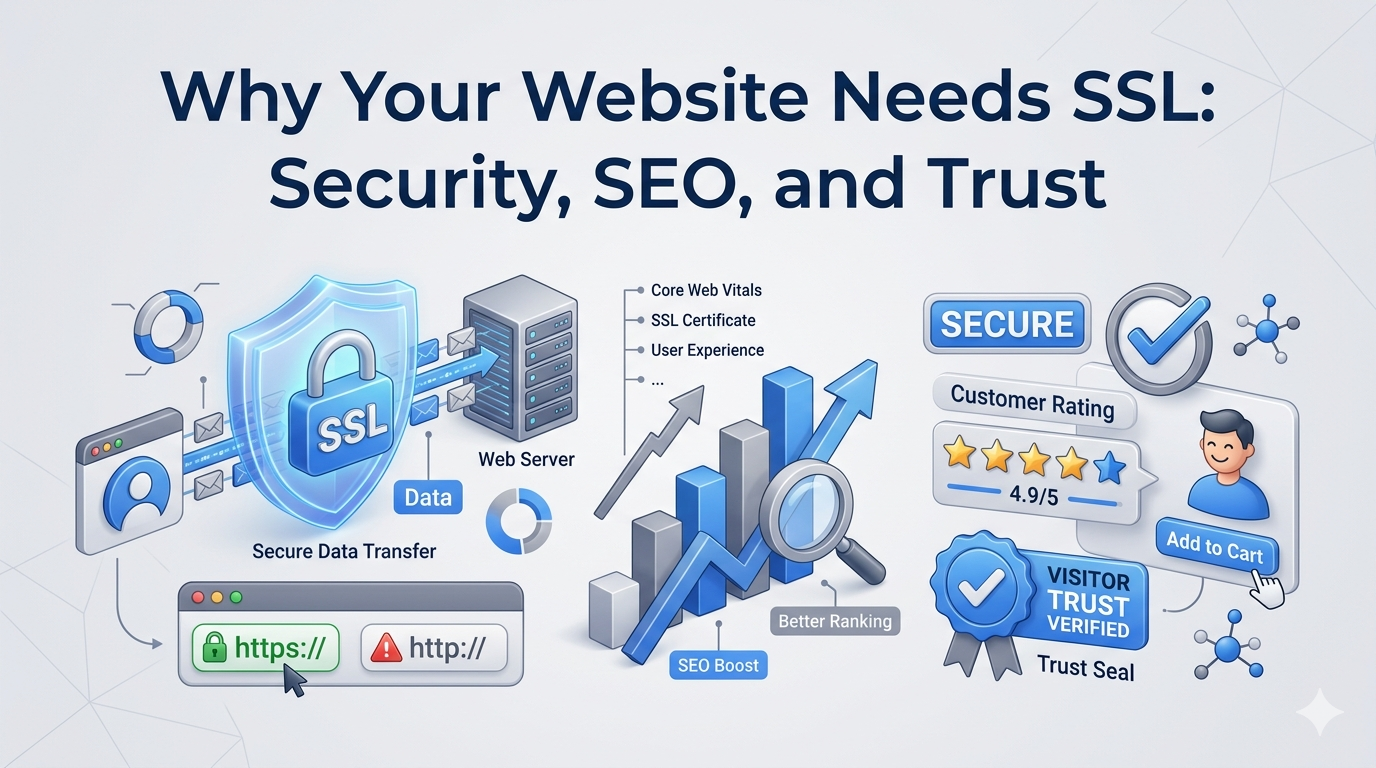
SSL stands for Secure Sockets Layer. In practical terms, it encrypts the connection between your website and the visitor’s browser.
Without SSL:
- Data travels in plain text
- Information can be intercepted
With SSL:
- Data is encrypted
- Sensitive information stays private
That’s why websites with SSL use https:// instead of http://.
Even if your site doesn’t collect payments or passwords, encryption still matters. It protects browsing activity, prevents tampering, and signals legitimacy.
The Foundation: Domain vs Hosting
Before SSL comes into play, it helps to understand the basic setup of a website.
- Domain name: Your website’s address (like yoursite.com)
- Web hosting: Where your website files actually live
Think of your domain as the address and your hosting as the building. When someone types your domain into a browser, the internet uses DNS (Domain Name System) to connect that address to your hosting server.
This connection is what people are referring to when they search for how to connect a domain to hosting.
SSL sits on top of this connection. Once your domain is correctly pointed to your hosting, SSL secures the data flowing between them.
Why SSL Matters for Security
Security is the most straightforward reason to use SSL.
When someone visits your site, they may:
- Submit a contact form
- Log into an account
- Browse pages that reveal personal behavior
Without SSL, this information can be intercepted or altered.
With SSL:
- Data is encrypted before it leaves the browser
- Only the intended server can decrypt it
- Third parties can’t easily read or modify it
Even basic websites benefit from this. It’s not just about protecting payments—it’s about protecting trust.
How SSL Impacts SEO
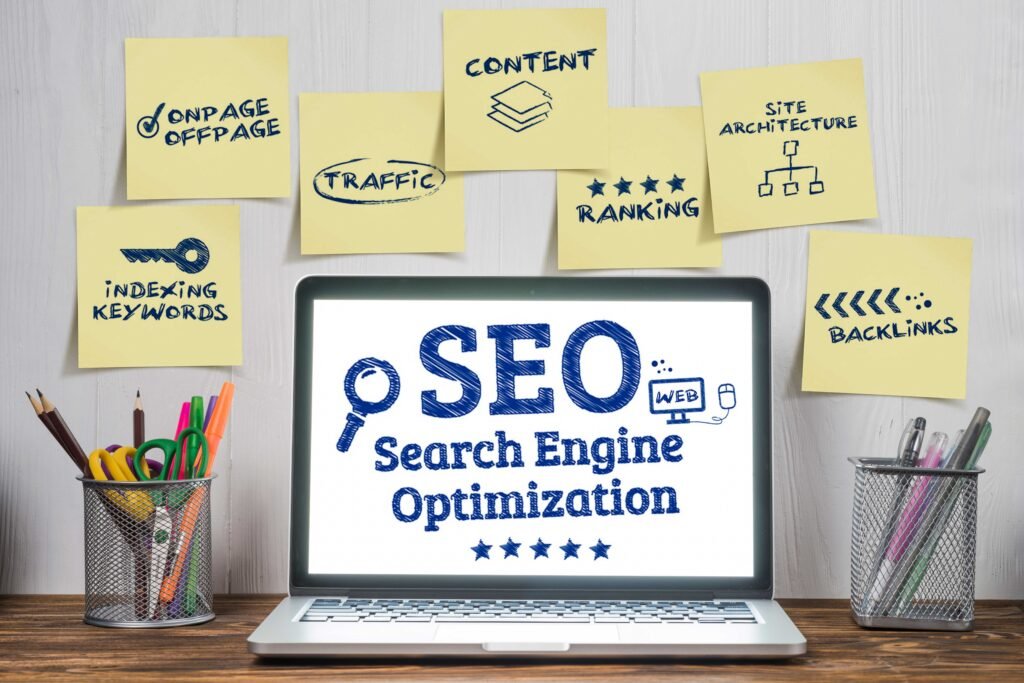
Search engines prioritize safe browsing experiences. As a result, SSL has become a ranking factor.
Sites without SSL may:
- Rank lower than secure competitors
- Show “Not Secure” warnings in browsers
- Experience higher bounce rates
On the other hand, HTTPS sites:
- Are considered more trustworthy
- Align with modern search engine expectations
- Provide a smoother user experience
SSL won’t magically push your site to the top of search results, but not having it can hold you back.
The Trust Factor: What Visitors Actually See
Users may not understand encryption, but they recognize warning signs.
If your site lacks SSL, browsers often display:
- “Not Secure” labels
- Warning messages before loading
That’s enough to make many visitors leave instantly.
With SSL:
- The padlock icon appears
- The connection feels safe
- Users are more likely to stay and engage
Trust is fragile online. SSL helps establish it immediately, before a visitor reads a single word on your site.
How SSL Fits Into Your Website Setup
SSL doesn’t exist in isolation. It’s part of the broader process of launching a website.
Here’s how everything connects:
- You buy a domain
- You purchase hosting
- You connect the domain to hosting
- You install SSL
If step three isn’t done correctly, SSL won’t work properly. That’s why understanding DNS basics matters.
A Simple Look at DNS and Connection Setup
When people search for how to connect a domain to hosting, they’re really dealing with DNS settings.
Here’s the simplified process:
1. Get Nameservers from Your Hosting Provider
These look like:
- ns1.yourhost.com
- ns2.yourhost.com
They tell the internet where your website lives.
2. Update Domain DNS Settings
Log into your domain provider and replace the default nameservers with the ones from your host.
3. Wait for DNS Propagation
Changes don’t apply instantly. It can take anywhere from a few minutes to 48 hours for updates to spread globally.
During this time:
- Some users may see your new site
- Others may still see the old version
4. Install SSL After Connection
Once your domain correctly points to your hosting, you can activate SSL from your hosting dashboard.
Most modern hosts offer free SSL certificates that can be installed in one click.
What Happens During DNS Propagation
DNS propagation is often the most confusing part of the process.
When you update DNS settings:
- The change is sent to a global network of servers
- Each server updates at its own pace
- Cached data delays immediate consistency
This explains why your site might work on one device but not another.
SSL installation often depends on this step being fully complete. If DNS hasn’t settled yet, SSL may appear broken or inactive.
Common SSL Mistakes Beginners Make
A few small errors can cause unnecessary frustration.
Installing SSL Before DNS Is Fully Connected
If your domain isn’t properly linked to hosting, SSL won’t attach correctly.
Forgetting to Force HTTPS
Even after installing SSL, your site might still load over HTTP unless you set up a redirect.
Mixed Content Issues
If some resources (images, scripts) still load over HTTP, browsers may show warnings.
Using Incorrect DNS Settings
Confusion between nameservers and DNS records can prevent SSL from working properly.
Troubleshooting SSL Issues
If your SSL isn’t working as expected, check the basics first.
- Confirm your domain points to the correct hosting
- Wait for DNS propagation to complete
- Clear your browser cache
- Try accessing your site from a different network
If the issue persists:
- Reinstall the SSL certificate
- Check for redirect conflicts
- Contact your hosting support
In many cases, the problem isn’t SSL itself—it’s the underlying connection.
Do You Need Paid SSL?
For most beginners, free SSL is more than enough.
Paid SSL certificates are typically used for:
- Large e-commerce sites
- Advanced verification needs
- Enterprise-level security requirements
If you’re just starting out, a free certificate from your hosting provider will handle everything you need.
Bringing It All Together
SSL isn’t just a technical add-on. It’s a core part of running a modern website.
It protects your visitors, supports your search visibility, and shapes how your site is perceived from the first second.
The process itself is straightforward:
- Connect your domain to hosting through DNS settings
- Wait for propagation
- Activate SSL
- Ensure your site loads over HTTPS
What trips people up isn’t complexity—it’s timing. DNS changes take time to spread, and SSL depends on that connection being stable.
Once everything is set up correctly, SSL quietly does its job in the background. Visitors won’t think about it, but they’ll feel the difference.